Below is a comprehensive cheat sheet of the most popular Windows Run commands.
| Command | Description |
|---|---|
| . | Opens Explorer at %userprofile% |
| appwiz.cpl | Programs and Components |
| charmap | Windows Character Table |
| chkdsk | Check Disk Utility |
| cleanmgr | Clean Disk Manager |
| cmd | The Command Prompt |
| control folders | Folder Options |
| control | Control Panel |
| devmgmt.msc | Device Manager |
| diskmgmt.msc | Disk Manager |
| dxdiag | DirectX Options |
| eventvwr.msc | Event Viewer |
| explorer | Windows Explorer |
| gpedit.msc | Local Group Policy Editor |
| magnify | Magnifier |
| main.cpl | Mouse Settings |
| mdsched | Windows memory checker |
| mrt | Malware Removal Tool |
| msconfig | System Settings |
| msinfo32 | System Information |
| mstsc | Remote Desktop Service |
| ncpa.cpl | Network Connections |
| netplwiz | User accounts |
| osk | On-Screen Keyboard |
| powercfg.cpl | Power Options |
| powershell | Windows PowerShell Console |
| regedit | Registry Editor |
| resmon | Resource Monitor |
| services.msc | Services |
| shutdown | Windows Shutdown |
| snippingtool | Scissors |
| sysdm.cpl | System Properties |
| taskmgr | Task Manager |
| winver | Windows Version |
🏃♂️
Launching Run Dialog Box
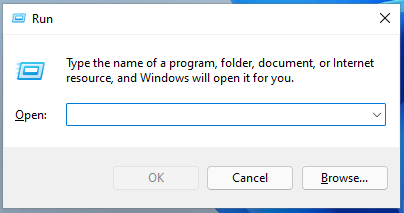
There are three ways to open the Run dialog in Windows:
* Press the "Windows+R" button combination on your keyboard.
* Right-click on the Start menu and select "Run" from the menu.
* Just find Run in Windows Search.
There are three ways to open the Run dialog in Windows:
* Press the "Windows+R" button combination on your keyboard.
* Right-click on the Start menu and select "Run" from the menu.
* Just find Run in Windows Search.
If you have any questions/comments regarding this article, click here or scroll down below (login isn't required to post comments and there's no waiting period).
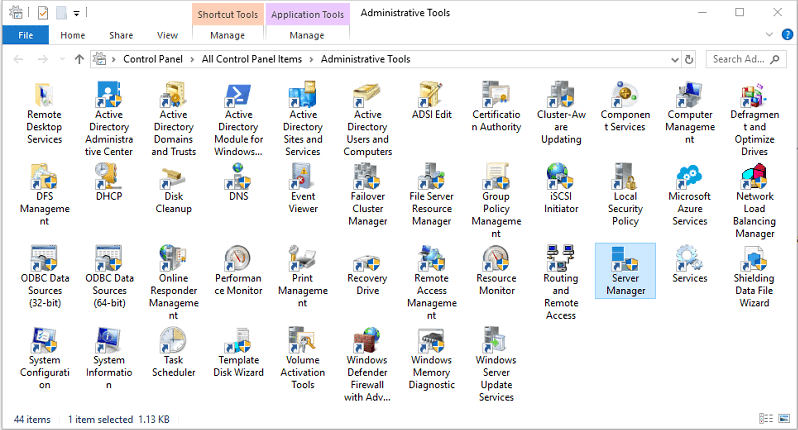
Windows Administrative Tools MSC Shortcut Commands
Here is a list of common msc shortcuts for various administrative tools for both Windows Client and Windows Server. To access Windows Administrative Tools objects directly, you can use specific .msc commands in the Run dialog (Win + R) or Command Prompt.
 Travis Runyard